

AI FOR HOME SERVICE BUSINESSES
Keep Every Job Inquiry Moving—Even While You’re on Site.
Help homeowners get a response, collect the details your team needs, and move estimate requests toward the next step—all through your configured AI and workflows.
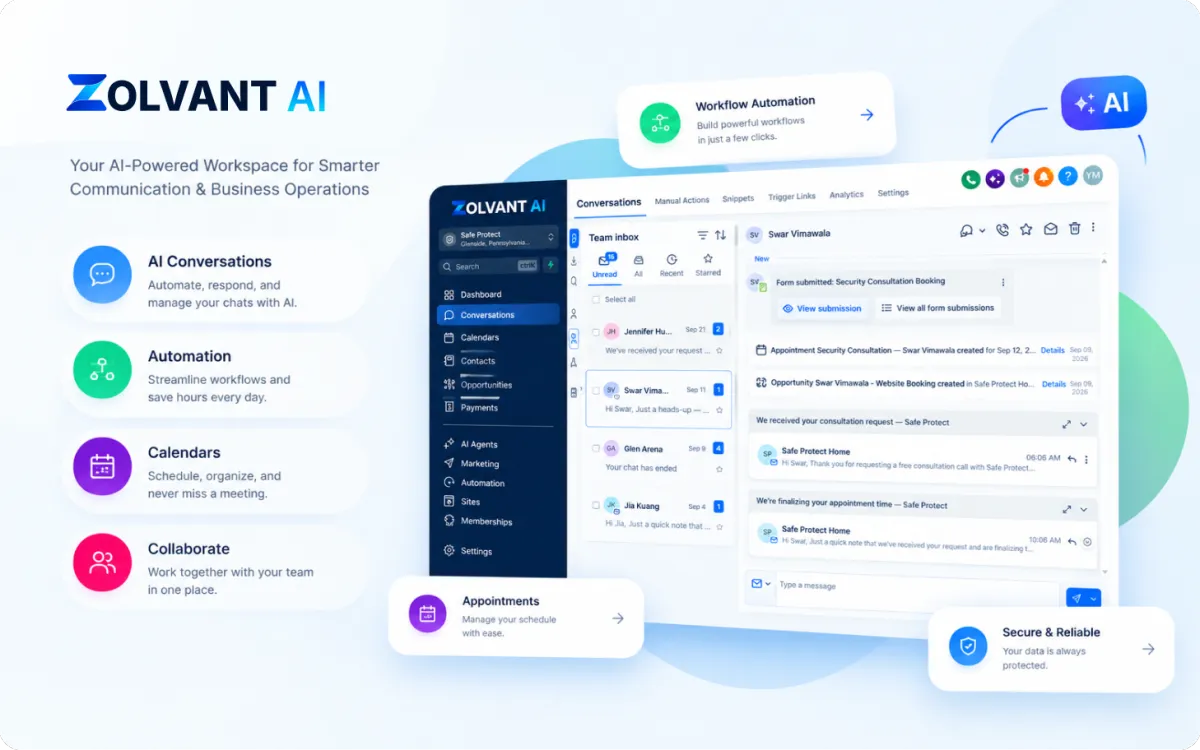
Built for your business
Fencing
Remodeling
Painting
Cleaning
HVAC
Plumbing
Landscaping
THE EVERYDAY CHALLENGE
New Inquiries Don’t Wait Until the Job Is Finished
Keep customer requests moving while your team focuses on the work.
Missed Calls on Site
Customers call while your team is working, driving, or unavailable to answer.
Scattered Job Details
Service requests, property locations, and contact information get spread across messages.
Estimate Follow-Ups
New estimate requests need timely attention and a clear owner on your team.
From a Homeowner’s Question to an Estimate Request
Collect useful job details before your team follows up.
A Homeowner Reaches Out
Homeowner: Hi, I need an estimate for a new backyard fence.
AI: I can help collect the details. What ZIP code is the property in?
Homeowner: 98103. We’re replacing an old wooden fence.
AI: Thanks. What’s your name and the best number for the team to reach you?
Your Team Gets the Context
Service Requested
Backyard fence replacement
Property Location
ZIP code: 98103
Project Details
Replace an existing wooden fence
Next Step
Collect contact details and route the estimate request to your team.
Illustrative example. Actions depend on your AI and workflow setup.
A Clear Path From Inquiry to Follow-Up
Connect each customer request to the next step your business needs.
01 Respond to the Inquiry
Your configured AI answers the call or message and starts collecting useful information.
02 Gather the Job Details
Ask about the service, property location, project needs, and contact information.
03 Route the Next Step
Send the request to your team or offer available appointment times when booking is enabled.
04 Keep the Follow-Up Moving
Your workflows send the appropriate reminders, follow-ups, and internal notifications.
AI Tools for Your Home Service Team
Connect customer conversations, estimate requests, and follow-ups in one workflow.
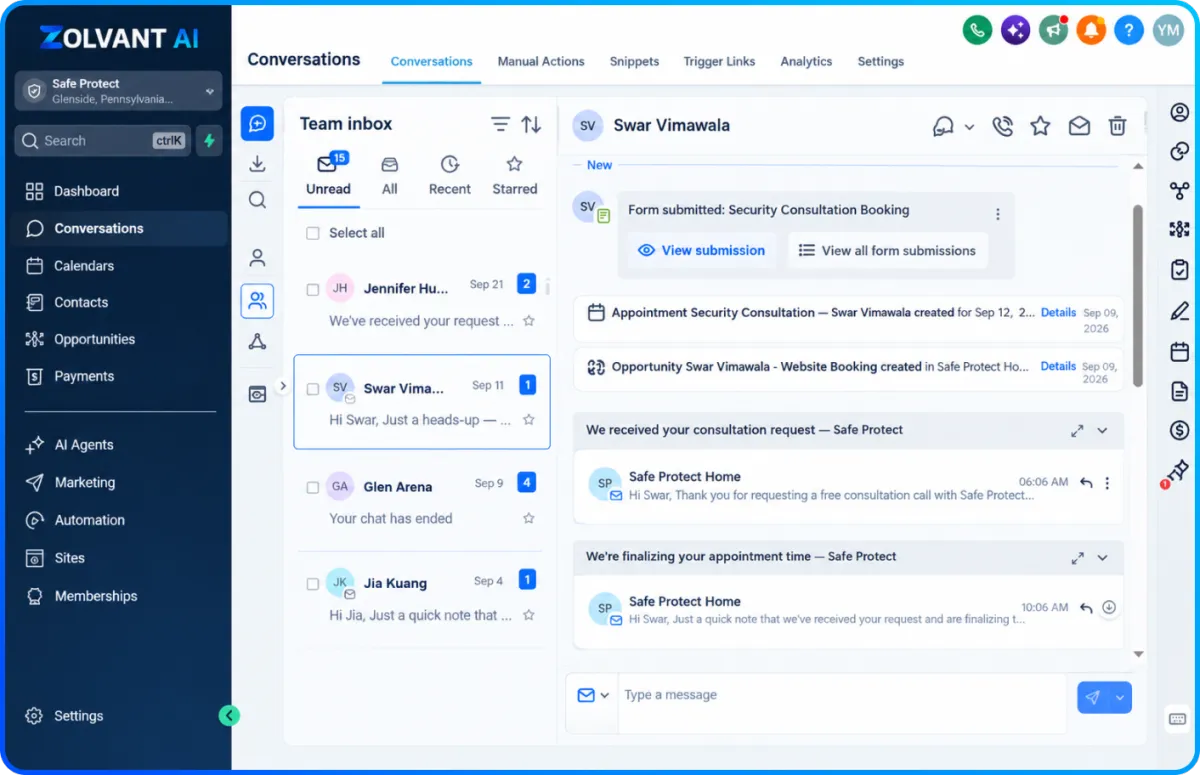
CALLS & NEW INQUIRIES
Give Every New Inquiry a Starting Point
Use your configured AI Receptionist and Lead Responder to answer common questions and collect service, location, and contact details.
Capture the service requested.
Gather property and contact details.
Route requests that need your team.
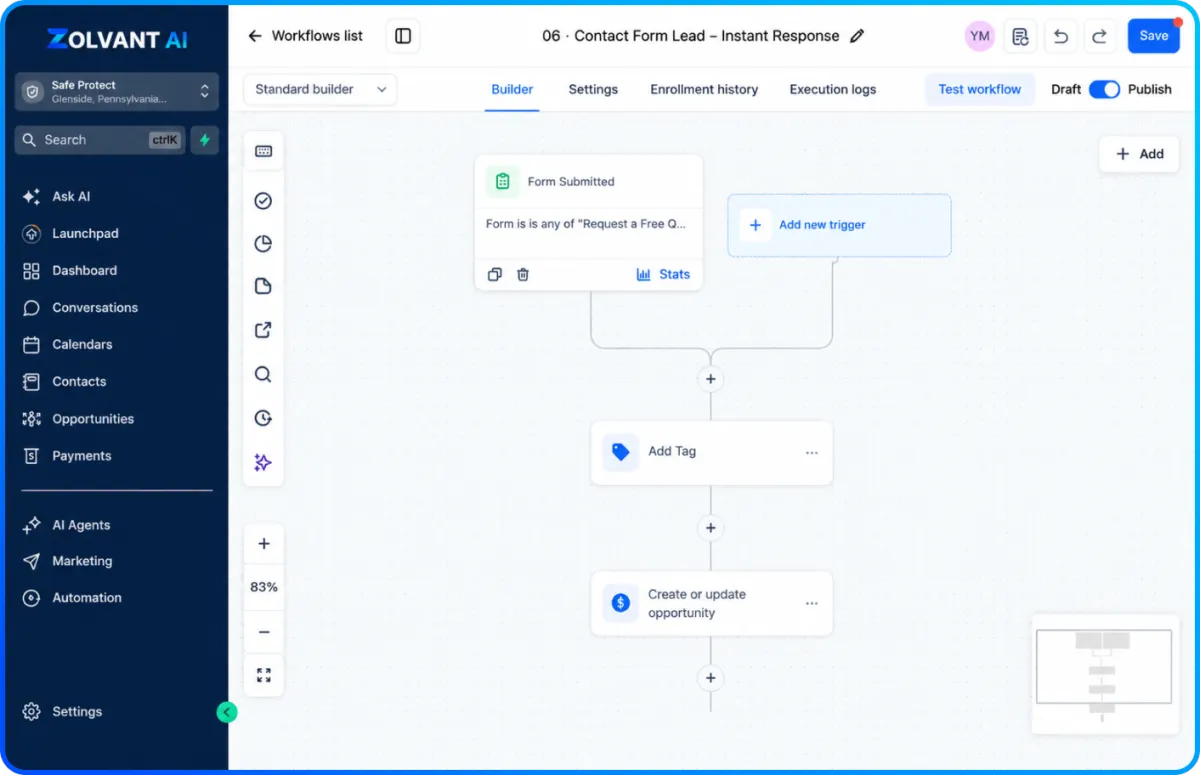
BOOKING & FOLLOW-UP
Help Estimate Requests Reach the Next Step
When scheduling is enabled, offer available appointment times. Your configured workflows can handle confirmations, reminders, and follow-up messages.
Offer available estimate appointments.
Send configured booking reminders.
Notify your team about the next action.
Your Team Stays in Control
Set the rules for what your AI collects, when appointments are offered, and which requests need a person from your team.
Define Your Service Area
Configure the locations and services your business handles so inquiries collect the right information.
Set Your Booking Rules
Use your configured calendar availability and appointment settings when scheduling is enabled.
Keep Quotes With Your Team
Collect project details for review. Your team handles site assessments, final pricing, and requests that need personal attention.
FREQUENTLY ASKED QUESTIONS
Home Services FAQs
Answers about collecting job details, booking estimates, and keeping your team involved.
Can Zolvant AI collect details for an estimate?
Your configured AI can ask about the requested service, property location, project needs, and contact details so your team has context before following up.
Can it book estimate appointments?
When booking is enabled, it can offer available times from your configured calendar. Your appointment settings determine availability.
Will the AI provide a final project quote?
For this setup, the AI gathers information for your team to review. Your team handles site assessments and final pricing.
Can my team handle requests that need personal attention?
You can configure workflows to notify your team and route requests for follow-up. Handoff behavior depends on your setup.
READY TO GROW?
Keep New Inquiries Moving While Your Team Gets the Job Done
Explore how Zolvant AI can support your home service business with inquiry handling, estimate requests, and configured follow-up workflows.

AI-powered lead conversion software for service businesses — helping teams respond faster, follow up automatically, book more appointments, and keep every opportunity moving.
Zolvant AI is a product of Young10 Marketing LLC.
30 North Gould Street
Sheridan, WY 82801
© 2026 Zolvant AI. All rights reserved.